
Rippling has earned a strong reputation for unifying HR, payroll, IT, and finance in one platform. But it isn’t the right fit for every company.
As teams grow, budgets tighten, or workflows change, a tool that once simplified operations can start creating friction and unexpected costs.
This guide helps you recognize when it’s time to explore Rippling alternatives. It also shows you how to choose a replacement with confidence.
Disclosure: If you make a purchase after clicking links in this article, I may make a referral income, at no cost to you.
Table of Contents
1. Understanding Rippling: What It Does Well and Where It Falls Short
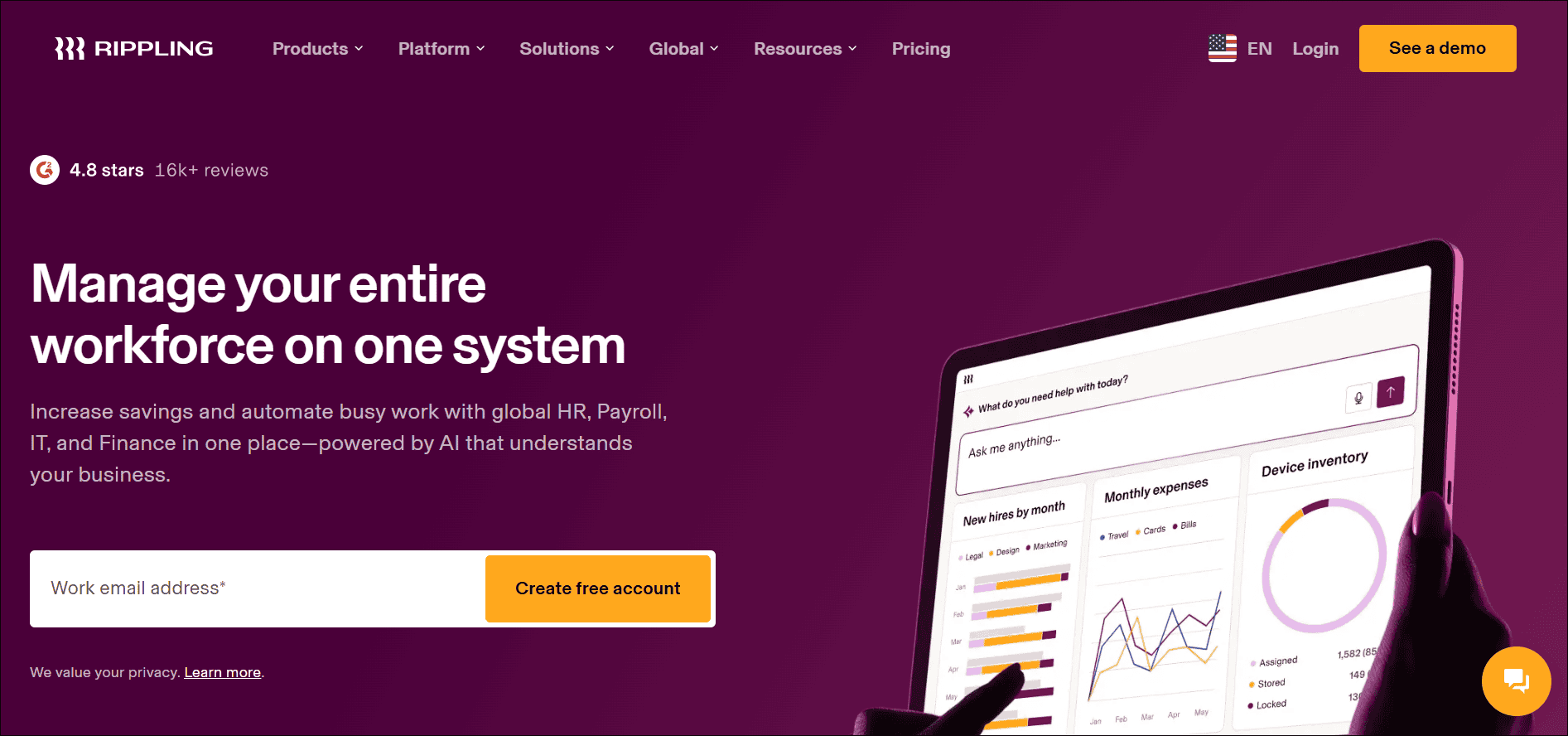
Before you compare alternatives, you need a clear picture of what you’re comparing against. Rippling does a lot well, and it has trade-offs like any platform.
A quick overview of Rippling’s core modules
Rippling is built as a set of connected modules on one employee record:
- HRIS for employee records and workflows
- Payroll for running accurate pay cycles
- Benefits administration and open enrollment
- IT management for devices and apps
- Spend management for cards and expenses
You can use them together or pick only the ones you need.
Recommended Posts to Read:
- Rippling Review: What Is Rippling and Who Is It For?
- What Does Rippling Do? See Rippling in Action – FREE!
- Rippling vs Gusto: The Ultimate Comparison Guide [For YOU]
What reviewers commonly praise
Reviewers tend to highlight three things:
- Strong integrations across connected modules
- Automation tied to employee changes
- One unified employee record for everyone
When a new hire joins or someone leaves, a lot of the follow-up work can happen automatically. That’s the main appeal.
Typical limitations
No platform fits everyone. Common concerns include:
- Custom, quote-based pricing structure
- Add-on modules raise the total
- Implementation can take real effort
Because Rippling is modular, your final cost depends on what you switch on. That flexibility is great, but it can make budgeting harder.
Why the trade-offs matter first
If you jump straight to comparing vendors, you may swap one problem for another. Knowing exactly what frustrates you about your current setup gives you a clear target.
Ask yourself: is this a Rippling problem, or a setup, training, or plan problem? Sometimes it’s the second one.
2. Key Signs It’s Time to Look for a Rippling Alternative
Not every bump in the road means you should leave. These signs, especially when several show up together, are worth taking seriously.
Total cost of ownership is rising faster than headcount or revenue
Some cost growth is normal when you hire. But if your software bill climbs faster than your team or your income, pay attention.
Check for:
- Renewal increases without added value
- New add-ons creeping into your plan
- Costs growing faster than headcount
You’re paying for modules you don’t use
A modular platform works best when you use what you pay for. If whole modules sit idle, you’re funding features that give nothing back.
The reverse also happens. A feature you really need may sit behind a higher tier.
Warning signs:
- Modules nobody on your team opens
- Must-have features locked behind upgrades
- Paying for capacity you’ll never reach
Your team struggles with the experience or admin workload
Every tool has a learning curve. But if your team still struggles after proper training, that’s a signal.
Look for:
- Simple tasks taking too many steps
- Admins relying on workarounds regularly
- Employees asking HR the same questions
Support no longer matches your needs
When payroll is due tomorrow, a slow answer isn’t just annoying. It’s risky.
Ask yourself:
- Do urgent issues get fast responses?
- Do you get the same expert each time?
- Does support fit your payroll deadlines?
If the answer is mostly no, it’s time to explore options.
3. Cost Considerations: Evaluating Price vs. Value
The sticker price rarely tells the whole story. Here’s how to compare costs fairly.
How to calculate true cost per employee per month
Start with the base subscription, then add everything else:
- Core platform fee per employee
- Add-on modules you actually use
- Implementation and onboarding fees
- Integrations or middleware you need
Then use this simple formula:
Total annual cost ÷ number of employees ÷ 12 = true cost per employee per month
Here’s a quick, illustrative example. Say your total annual spend is $60,000 for 100 employees. That works out to $50 per employee per month. Use your own numbers to see where you really stand.
Hidden costs to watch for
These often don’t appear in a first quote:
- One-time setup or migration fees
- Premium support packages
- Extra charges for multi-country payroll
- Fees for additional reports or integrations
Always ask for a full, written breakdown before you sign anything.
Building a realistic budget comparison
Shortlist three to five vendors. For each, collect:
- Quoted price at your current headcount
- Price at your expected headcount next year
- Every add-on you’d need to match today’s setup
Comparing like for like is the key. A cheaper quote that skips a feature you need isn’t really cheaper.
When a cheaper tool creates hidden labor costs
A low price can backfire. If a tool lacks automation, your team fills the gap by hand.
Say a cheaper option saves $10 per employee each month. But if it adds 20 hours of manual work every month, you may lose more than you save.
Always count:
- Hours spent on manual workarounds
- Time fixing errors and mismatches
- Extra tools needed to fill gaps
4. Business Needs That May Outgrow Rippling
Sometimes the issue isn’t cost. Your business simply needs something more specialized.
Specialized payroll requirements
Some payroll setups are complicated. If yours includes any of these, test vendors carefully:
- Complex commission or bonus structures
- Union rules and special pay scales
- Multi-state tax setups with many locations
Ask each vendor to walk through your real scenarios, not a generic demo.
Global hiring and employer-of-record needs
Hiring across several countries adds legal, tax, and payment complexity. You may need local compliance expertise or an employer-of-record (EOR) service.
Questions to ask:
- Which countries do you support directly?
- Do you offer EOR for contractors and employees?
- How is local compliance handled?
If global hiring is central to your plans, specialist providers deserve a close look.
Industry-specific compliance or HR workflows
Generalist platforms cover a lot, but not everything. Industries like healthcare, construction, or hospitality can have unique requirements.
Watch for gaps such as:
- Specialized certifications and tracking needs
- Shift-based or seasonal workforce scheduling
- Industry reporting requirements
Scaling from startup to enterprise governance
As you grow, so do your needs around control and oversight. You may need:
- More detailed permissions and approvals
- Stronger audit trails and reporting
- Deeper talent and performance tools
If your governance needs are growing faster than your platform, that’s a sign to evaluate your options.
5. Top Rippling Alternatives by Use Case
There’s no single best alternative. The right one depends on your size, structure, and goals. Here’s how common options tend to fit different needs.
| Alternative | Best option for |
|---|---|
| Gusto | Best for automated payroll and tax filing |
| RemotePeople | Best for global recruitment solutions |
| Deel | Best for global payroll and compliance |
| Justworks | Best for benefits management and administration |
| ADP | Best payroll option at enterprise scale |
Best for small businesses and startups: Gusto
If you want simple, affordable HR and payroll in one place, Gusto is often a popular pick for smaller teams.
Why consider it:
- Easy setup and clean interface
- Straightforward payroll and basic HR
- Friendly for teams without HR staff
Keep in mind: if you need deep IT or spend tools, you may need extra software.
Best for mid-market companies with deep HR needs: ADP
ADP is a long-established provider with a wide range of products, often considered by larger or more complex organizations.
Why consider it:
- Broad HRIS and talent management options
- Experience with complex payroll needs
- Scalable for growing headcounts
Keep in mind: the experience and pricing can vary a lot depending on which product and plan you choose, so ask for specifics.
Best for global teams: Deel and RemotePeople
If you hire across borders, platforms built for international work may fit better.
Why consider them:
- International payroll and contractor payments
- Employer-of-record services in many countries
- Local compliance support built in
Keep in mind: compare country coverage and pricing closely, since both vary by location and hiring model.
Best if you want a PEO model: Justworks
Justworks is known for its PEO approach, where the provider shares some employment responsibilities with you, often including benefits and compliance support.
Why consider it:
- Bundled benefits and HR support
- Useful for small teams with limited HR capacity
Keep in mind: a PEO changes how your employment relationship is structured, so understand the trade-offs before choosing.
Best for a best-of-breed approach
Some companies prefer separate tools for HR, payroll, and IT. This lets you choose the strongest option for each job.
Why consider it:
- Pick the best tool per function
- Swap one piece without replacing everything
- Stay flexible as your needs change
Keep in mind: you take on integration work and the data sync challenges that come with it. That’s where hidden costs often appear.
6. How to Evaluate and Switch Platforms Without Disrupting Your Team
A good plan makes switching far less stressful.
Build a requirements checklist
Write down what you need, then rank each item:
- Must-have: you can’t operate without it
- Nice-to-have: helpful but not essential
- Deal-breaker: anything that rules a vendor out
This keeps demos focused and stops flashy features from distracting you.
Questions to ask vendors
Go into every call with the same list:
- Which tools do you integrate with?
- How does data migration work?
- What security certifications do you hold?
- What does support look like after launch?
Ask for references from companies of your size and industry.
Plan a migration timeline that protects payroll
Timing matters more than speed. Avoid switching during your busiest periods.
Build your plan around:
- Payroll cycles and tax deadlines
- Benefits open enrollment windows
- Fiscal year-end and busy seasons
Many teams find that a phased rollout works well. Start with one function, then expand.
Manage change communication and training
Even a great tool fails if people don’t use it. Tell employees early what’s changing and why.
Make adoption easier by:
- Sharing clear timelines and expectations
- Offering short training sessions or guides
- Naming a go-to person for questions
7. Common Mistakes to Avoid When Changing HR Software
Most failed migrations come down to a handful of avoidable errors.
Switching without documenting current processes
If you don’t know how things work today, you can’t tell whether a new tool improves them. Write down your processes and pain points first.
Underestimating data migration
Moving data is rarely a simple copy-and-paste. Old records often hold duplicates, gaps, and inconsistencies.
Plan for:
- Cleaning data before you move it
- Mapping fields between systems
- Checking results after the transfer
Choosing on price alone
The cheapest option can cost more in the long run. Don’t overlook:
- Compliance support and accuracy
- Quality and speed of customer support
- Fit with your team’s actual workflows
Skipping a pilot or parallel payroll run
Going live without testing is risky. Run payroll in both systems at least once, and compare the results line by line.
A single parallel run can catch errors before your employees ever see them.
Conclusion
Rippling can be a powerful platform, but it’s not a permanent fit for every business.
Look for warning signs such as rising total costs, unused modules, workflow gaps, or global and payroll needs that have outgrown the platform.
Define your requirements. Compare alternatives on total value rather than sticker price. Plan your migration carefully to protect payroll accuracy and employee experience.
The right choice is the one that supports where your company is going, not just where it started.