
Picking an HR and payroll platform feels like a small decision. It isn’t.
This tool will run your paychecks, hold your employee data, and shape how every new hire experiences day one. Pick wrong, and you’ll feel it every two weeks.
Rippling and Gusto are two of the most popular options for small and mid-sized teams. They look similar from far away. Up close, they’re built for different kinds of companies.
So, which one is right for you?
In this guide, we’ll break down:
- How both platforms handle payroll and HR
- What you’ll actually pay, not just the headline price
- Integrations, security, and day-to-day usability
- Who should pick which tool
By the end, you’ll know exactly which platform fits your team, your budget, and your growth plans.
Disclosure: If you make a purchase after clicking links in this article, I may make a referral income, at no cost to you.
Table of Contents
Quick Comparison Snapshot: Head-to-Head Overview
| Category | Rippling | Gusto |
|---|---|---|
| Best for | Growing teams wanting HR, IT, and finance in one place | Small U.S. teams wanting simple, reliable payroll |
| Core Idea | One platform, many modules | Payroll first, HR built around it |
| Starting Price | About $8 per employee/month plus a monthly base fee | $49/month plus $6 per person (Simple) |
| Pricing Style | Modular, quote-based | Tiered, published online |
| IT Management | Yes (devices, apps, identity) | No |
| PEO Option | Yes | No |
| Integrations | 600+ | Smaller, focused library |
| Learning Curve | Steeper | Gentle |
| Setup Time | Often several weeks | Often fast |
| Learn More | Check Rippling in Action (FREE) | Try Gusto for FREE Now! |
What is Rippling vs Gusto:
What is Rippling?
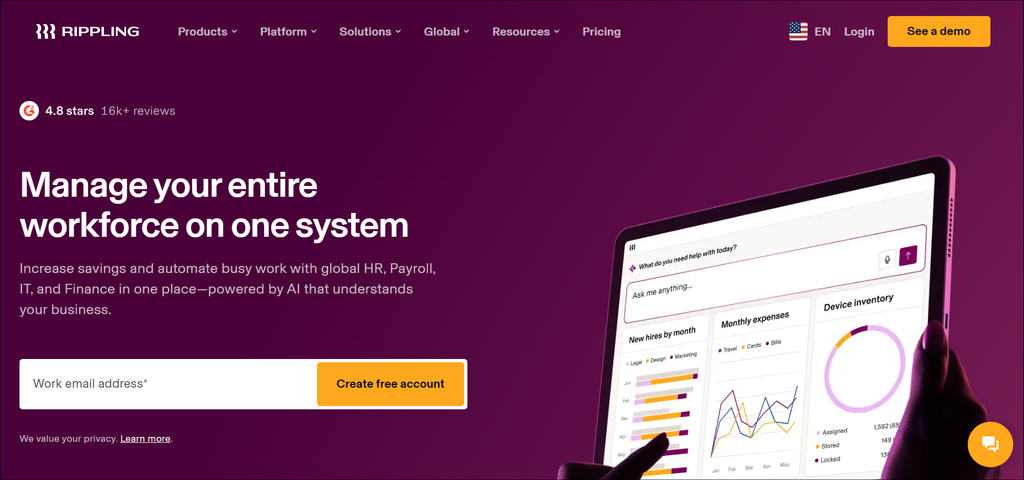
Rippling is an all-in-one workforce platform. It started with HR and payroll, then expanded into IT and spend management.
The big idea is a single source of truth. Update an employee once, and that change flows everywhere.
Here’s what that looks like in practice:
- New hire gets payroll set up automatically
- Laptop and app access get provisioned instantly
- Offboarding revokes access across every tool
Rippling is built for companies that want automation and room to scale.
What is Gusto?
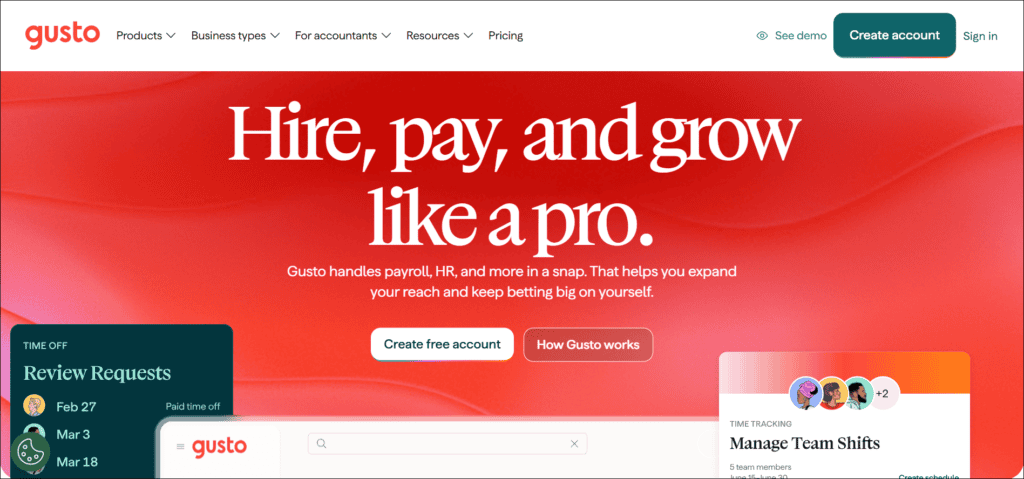
Gusto is a payroll, benefits, and HR platform built for small businesses. It’s known for being friendly, clear, and quick to learn.
The core strengths are easy to spot:
- Full-service payroll with automatic tax filing
- Simple onboarding for new employees
- Benefits and time tracking in higher plans
- Transparent, published pricing
Gusto doesn’t try to run your IT or devices. It focuses on doing payroll and basic HR well.
Core Feature Comparison: Payroll, HR, Benefits & IT
Let’s walk through the four areas that matter most.
1. Payroll
Both platforms handle the essentials. That includes direct deposit, tax filing, and contractor payments.
Gusto keeps it simple. Run payroll in a few clicks, and the system files your taxes. Higher plans add multi-state payroll and faster pay options.
Rippling goes deeper. Payroll connects to your HR, time, and benefits data, so changes flow through without double entry. It also supports more complex setups, including international payroll through add-on services.
Edge: Gusto for simplicity. Rippling for complexity.
2. Human Resource – HR
Gusto covers the basics well:
- Employee onboarding and document collection
- Time off requests and approvals
- Expense reimbursements
- Performance tools in Plus and above
Rippling offers a fuller HR system:
- Custom workflows and approval chains
- Advanced reporting and analytics
- Recruiting and onboarding automation
- Deeper org-chart and permissions control
Edge: Rippling, especially past about 50 employees.
3. Benefits
Both support benefits administration. Gusto offers health benefits, a 401(k) partnership with Guideline, and broker integration as a paid add-on.
Rippling is often a stronger fit for complicated benefit setups. It also offers a PEO option, which Gusto does not.
Edge: Rippling for complex benefits. Gusto for straightforward ones.
4. IT Management
This is where the two split completely.
Rippling includes IT tools like:
- Device management and provisioning
- App access and identity controls
- Automated onboarding and offboarding
Gusto has no IT module at all.
Edge: Rippling, by a mile.
5. Gusto’s Recent Upgrades
Gusto has been adding features to its plans. For example, its Premium plan now includes HR resources, compliance tools for multi-state expansion, and a dedicated account partner.
It’s a sign Gusto is moving upmarket. Still, it stays focused on payroll-first teams.

Pricing & Total Cost of Ownership (TCO) — What You’ll Actually Pay
This is where most buyers get surprised. Let’s look closely.
Gusto Pricing
Gusto publishes its prices. Here’s the current structure:
- Simple: $49/month plus $6 per person
- Plus: $80/month plus $12 per person
- Premium: $180/month plus $22 per person (some sources list it as custom)
For a 15-person team, that’s roughly $139/month on Simple and $260/month on Plus.
A few things to watch:
- Add-ons can raise your bill
- Business Compliance costs extra on lower plans
- Broker integration is paid on Simple and Plus
Gusto also says it isn’t changing existing prices with its October 2026 update.
Rippling Pricing
Rippling doesn’t publish a full price list. You’ll need a custom quote.
Here’s what’s commonly reported:
- Core platform starts near $8 per employee/month
- A flat monthly base fee of about 35–40
- Each extra module adds its own per-employee fee
Third-party estimates suggest real-world totals look like this:
- HR plus payroll: roughly $15 per employee/month
- Adding benefits: closer to $22 per employee/month
- Full stack with IT and spend: 30–50+ per employee/month
Treat these as ballparks, not promises. Your quote will vary.
Integrations, API & Ecosystem Compatibility
Your HR platform needs to play nicely with everything else.
Rippling
Rippling advertises over 600 pre-built integrations. It also has an extensible API for custom workflows.
That covers:
- Accounting and finance tools
- Communication and productivity apps
- Security and identity providers
- Recruiting and background checks
Because Rippling also handles IT, it can manage app access directly. That’s a real advantage if you want automatic provisioning.
Gusto
Gusto has a smaller but practical library. It covers the tools most small businesses use, like accounting, time tracking, and benefits partners.
Reviewers often praise its integrations as simple and reliable.
Which is Better?
- Rippling: best for broad, custom, or IT-heavy setups
- Gusto: best for a lean, standard software stack
If you rely on niche tools, check both integration directories first.
Implementation, Usability & Customer Support
1. Setup and Onboarding
Gusto is known for fast, guided setup. Small teams can often get running quickly.
Rippling takes more effort. One source estimates 3 to 8 weeks for full setups, since it connects HR, IT, and finance. The more modules you turn on, the longer it takes.
2. Ease of Use
Gusto wins on simplicity. The interface is clean, and most admins figure it out fast.
Rippling is more powerful. That power comes with a steeper learning curve. Customization is great, but complex workflows take time to master.
3. Customer Support
Support varies by plan and by day, so check current reviews before you decide.
A few general points:
- Gusto offers priority support on higher tiers
- Gusto’s Premium includes a dedicated account partner
- Rippling’s support quality depends on your contract
Rippling markets its support as a strength. Reviewer opinions are mixed on both sides, so ask each vendor about response times during your demo.
Security, Compliance & Data Protection
You’re trusting these platforms with salaries, tax IDs, and bank details. Security matters.
Both vendors say they use industry-standard encryption and run regular security audits. Neither is a risky choice for a typical business.
The real difference is scope.
Rippling’s Edge
Rippling extends security into IT:
- Automated account provisioning and deprovisioning
- Device management and access controls
- Identity-based permissions across apps
That means fewer forgotten logins when someone leaves.
Gusto’s Approach
Gusto focuses on payroll and HR data protection. It also offers compliance help, such as state tax registration and compliance alerts on Premium.
What to ask before you buy
- Which security certifications do you hold?
- Can I see your latest audit report?
- What admin permission controls exist?
- How do you handle data backups?
- What’s your breach notification process?
Certifications and policies change. Confirm them on each vendor’s trust or security page.
Which Should You Choose?
Choose Rippling if you:
- Have 50+ employees or are scaling fast
- Want HR, IT, and spend together
- Need custom workflows and reporting
- Hire globally or want a PEO option
- Can handle a longer setup
Choose Gusto if you:
- Run a small U.S.-based team
- Want simple, predictable pricing
- Need payroll running quickly
- Don’t need IT management
- Prefer an easy-to-learn tool
Conclusion
There’s no single winner here. There’s only the better fit.
Gusto is the friendly, affordable choice for small teams that want payroll done right without the fuss.
Rippling is the powerful choice for growing companies that want one system for HR, IT, and finance.
Here’s a simple way to decide:
- Small and simple? Start with Gusto.
- Growing fast and complex? Look at Rippling.
- Not sure? Request demos from both.
Before you commit, get a written quote, ask about add-ons, and test the platform with your real workflows.
The right tool saves you hours every month. The wrong one costs you far more.
Ready to decide? Book a demo with Rippling or Gusto and see which one feels right for your team.