
Managing people, payroll, devices, and apps usually means juggling five or six tools. Each one holds a piece of your employee data. None of them talk to each other well.
Rippling wants to fix that.
In this review, we’ll break down what Rippling is, what it costs, who it suits, and where it falls short. By the end, you’ll know if it deserves a spot on your shortlist.
Disclosure: If you make a purchase after clicking links in this article, I may make a referral income, at no cost to you.
Table of Contents
What is Rippling – A Quick Overview:
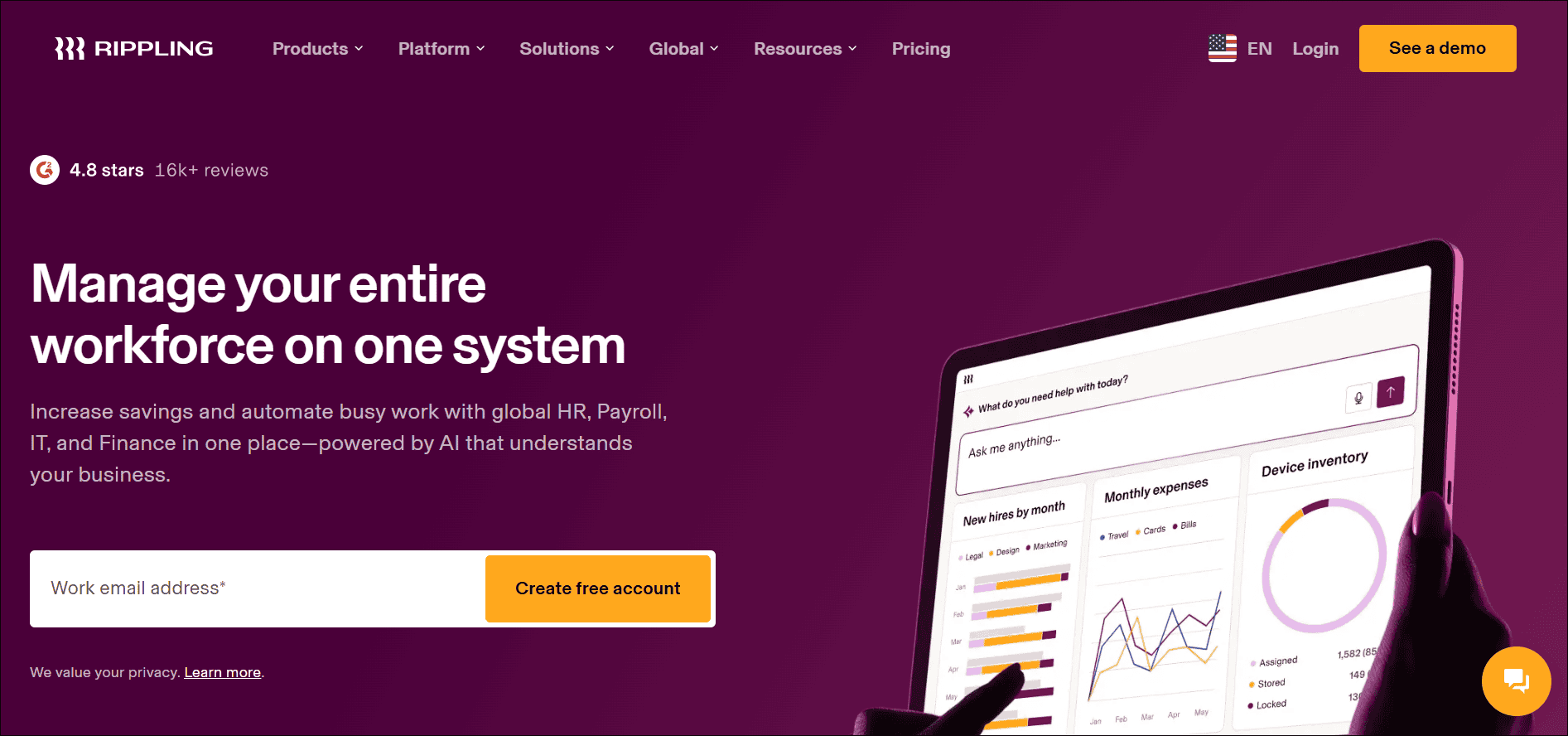
Rippling is a workforce management platform. It brings HR, payroll, IT, and spend management into one system.
The idea is simple. Your employee record becomes the single source of truth. Change something once, and it updates everywhere.
Here’s what that looks like in real life:
- New hire gets payroll set up
- Laptop and apps are provisioned automatically
- Benefits enrollment starts without manual follow-up
- Departing employees lose access instantly
That’s the big pitch. HR and IT work from the same data, so fewer things fall through the cracks.
Rippling is built mostly for growing companies. It works for US teams and for businesses hiring across borders.
Key Rippling Features — What You Can Do With It
Rippling is modular. You start with the core platform and add what you need.
1. Core HR (HRIS)
This is the foundation. It stores employee records, org charts, and documents.
- Central employee profiles and records
- Custom workflows and approvals
- Onboarding and offboarding checklists
- Reports and org chart views
2. Payroll
Rippling Payroll handles pay runs, tax filing, and deductions.
Because it shares data with HR, you avoid double entry. A raise or role change flows straight into payroll.
3. Benefits and Time Tracking
You can manage benefits enrollment and administration in the same platform. Time and attendance tools cover hours, overtime rules, and PTO.
4. IT Management
This is where Rippling stands apart from most HR tools.
- Device management for laptops and phones
- App provisioning and single sign-on
- Automatic access removal at offboarding
- Security policies tied to employee roles
5. Spend Management
Rippling also offers corporate cards, expense tracking, and reimbursements. These tie back to the same employee data.
6. Global Workforce Tools
Need to hire in another country? Rippling offers Employer of Record (EOR) services and global payroll. That lets you employ people abroad without opening a local entity.
7. Recruiting and Performance
You can also add recruiting, performance reviews, and learning tools. Not every team needs these. But they’re there if you grow into them.
Pricing, Plans & Real Cost Considerations
Here’s the honest part. Rippling doesn’t publish simple, all-in pricing.
What we do know:
- Plans start around $8 per employee monthly
- A monthly base fee is added on top
- Every extra module adds its own cost
- Final pricing comes from a custom quote
Some third-party sources report a base fee of roughly $35 to $40 per month. Rippling itself says the base fee exists but doesn’t always list the amount. Treat those numbers as estimates.
What the real cost looks like
That $8 figure only covers the core platform. Once you add payroll, benefits, IT, and other modules, costs climb.
Third-party estimates suggest many teams land somewhere between $15 and $35 per employee per month. It depends on which modules you choose.
A few typical combinations, based on those estimates:
- HR plus payroll: around $15 per employee
- HR, payroll, and benefits: around $22
- Full stack with IT and spend: up to $35
These are rough numbers, not official prices. Your quote may be higher or lower.
Extra costs to watch for
- Implementation or setup fees may apply
- Annual contracts are common, not monthly
- Global EOR services cost far more per person
- Hardware and add-on features can cost extra
EOR is priced very differently from standard modules. Published starting references for it run into the hundreds of dollars per employee per month. So if you hire abroad, budget carefully.
Pro tip: Ask for a line-by-line quote. Then ask what happens to your price when headcount grows. Volume discounts often kick in at larger team sizes, and annual prepayment can unlock savings.
Who Should Use Rippling? Ideal Customer Profiles & Use Cases
Rippling isn’t for everyone. It shines in specific situations.
Great fit for:
- Fast-growing companies with 20 to 500 employees
- Tech-forward teams that love automation
- Businesses hiring in multiple countries
- Companies wanting HR and IT in one place
- Teams tired of juggling disconnected tools
Real-world use cases
The scaling startup. A 60-person SaaS company is hiring fast. Rippling handles onboarding, payroll, laptops, and app access in one flow. The ops team stops chasing spreadsheets.
The remote-first company. Employees sit in different states and countries. Rippling manages compliance, payroll, and devices from a single dashboard.
The security-conscious team. Leadership wants clean access control. Rippling ties app permissions to roles, so offboarding is fast and consistent.
Probably not the best fit for:
- Very small teams on a tight budget
- Companies needing only basic payroll
- Teams that dislike custom-quote pricing
- Businesses wanting a simple, flat monthly fee
If you just need to pay five people, a simpler tool will save you money and time.
Rippling vs. Alternatives
| Tool | Best for | Standout Strength |
|---|---|---|
| Rippling | Growing, automation-focused teams | HR plus IT in one platform |
| Gusto | Small US businesses | Simple payroll and HR |
| Deel | Global and contractor hiring | International payroll and EOR |
| BambooHR | HR-focused teams | Easy-to-use HR tools |
| ADP | Large, established companies | Deep payroll and compliance |
Rippling competes in a crowded space. Here’s how it stacks up against popular options.
1. Rippling vs. Gusto
Gusto is simpler and often cheaper. It’s great for small US businesses that mainly need payroll and basic HR.
Rippling goes deeper with IT, automation, and global tools. Choose Gusto for simplicity. Choose Rippling for breadth.
Also Read: Rippling vs Gusto: The Ultimate Comparison Guide [For YOU]
2. Rippling vs. Deel
Deel is built around global hiring, contractors, and international payroll. If most of your team is outside the US, Deel is a strong contender.
Rippling is stronger when you want HR, IT, and payroll tied together, with global as one piece.
3. Rippling vs. BambooHR
BambooHR focuses on HR: records, performance, and culture tools. It’s easy to use and has public pricing tiers.
Rippling offers more automation and device management. BambooHR is simpler if you don’t need IT or payroll in the same system.
4. Rippling vs. ADP
ADP is a long-standing enterprise name with deep payroll and compliance tools. It can feel heavier and more traditional.
Rippling feels more modern and automation-first. ADP may suit larger, more established organizations.
Implementation, Onboarding and Best Practices
Switching HR systems can feel scary. A good plan makes it far smoother.
What onboarding usually involves
- Importing employee data from current systems
- Setting up payroll, taxes, and pay schedules
- Connecting apps and device policies
- Training admins and managers
Setup time depends on your size and the modules you choose. A simple HR and payroll setup moves faster than a full-stack rollout with IT and benefits.
Also Read: How To Automate Employee Onboarding: A Step-by-Step Guide
Best practices for a smooth start
- Clean your employee data first
- Start with core HR and payroll
- Add IT and spend modules later
- Assign one internal owner for the rollout
- Run a parallel payroll before switching
- Document your approval workflows early
A few smart tips
Don’t try to launch everything at once. Phase it in.
Get your payroll right first. Then build automations once the basics feel stable. And ask Rippling about implementation support before you sign, so there are no surprises.
Security, Compliance, Pros & Cons You Should Weigh
Security and compliance
Rippling handles sensitive data: pay, tax details, personal records. So security matters.
The platform offers role-based access controls, single sign-on, and device security tools. Its payroll and global products also handle tax filing and compliance tasks.
Still, do your own homework. Ask Rippling for its current security certifications and compliance documentation. Check that they match your industry’s requirements.
Pros
- All-in-one HR, IT, and payroll
- Strong automation across workflows
- Less manual data entry overall
- Scales well as you grow
- Good global hiring options
Cons
- Pricing is not fully transparent
- Costs add up with modules
- Can be more than small teams need
- Setup may take real effort
- Annual contracts reduce flexibility
Conclusion
Rippling is a powerful platform for the right team.
If you’re growing fast, want HR and IT working together, and value automation, it’s worth a serious look. The all-in-one approach can save hours every week.
But it’s not the cheapest or simplest option. Pricing is quote-based, and costs rise as you add modules.
Here’s the smart next step. List the tools you use today. Then request a custom quote and compare it with two alternatives. That will show you if the all-in-one promise is worth it for your budget.
FAQs about Rippling
1. What is Rippling used for?
Rippling is used to manage HR, payroll, benefits, IT, and spend in one platform. Companies use it to automate onboarding, run payroll, and manage devices and app access.
2. How much does Rippling cost?
Rippling’s published pricing starts at about $8 per employee per month, plus a monthly base fee. Your total depends on which modules you add and your team size. You’ll need a custom quote for exact numbers.
3. Is Rippling good for small businesses?
It can be, especially for small teams that plan to grow fast. But very small businesses with simple needs may find lighter, cheaper tools a better match.
4. Can Rippling handle international employees?
Yes. Rippling offers global payroll and Employer of Record services. These let you hire and pay people abroad. Global services usually cost more than standard modules, so check pricing carefully.
5. How long does Rippling take to set up?
It varies. A basic HR and payroll setup is quicker than a full rollout with IT and benefits. Clean data and a clear internal owner will speed things up a lot.